For most living rooms, a useful starting point is to place the center of the TV about 40–44 inches above the floor. But the best height depends on where you sit, how you watch, and what else is on the wall.
A few inches can change how a screen feels from the sofa. Measure from your real viewing position before you drill, and treat the standard height as a starting point, not a rule for every room.
Start with seated eye level
For comfortable sofa viewing, aim to have the center of the screen close to your eyes when you’re seated in your usual position. Around 40–44 inches from the floor is a common starting range; your own seated eye height is a better guide.
This is different from the familiar 58–62-inch artwork centerline. Artwork is often positioned for viewing while standing or moving through a room. A TV is usually watched while seated, so its center generally sits lower. Applying an art-hanging height to a television can leave you looking upward for the whole show.
Screen size affects how far the top and bottom edges extend from the center, but doesn’t by itself determine the ideal center height. The SANUS TV HeightFinder can help you visualize placement, but always check your TV and mount instructions as well.
Measure from the seat you actually use
Don’t rely on an average if you can measure your own setup. A low sofa, tall chair, or recliner can shift your natural line of sight.
- Sit in your main viewing seat in your usual posture.
- Look straight ahead, with your head relaxed and chin level. Measure from the floor to your eyes.
- Use that measurement as a starting point for the center of the screen. If you naturally recline, check the sightline in that position too.
- Measure the TV’s actual height and divide it by two. Add or subtract that amount from your target center height to estimate where the screen’s top and bottom edges will land.
- Check the viewing distance from your seat to the screen. Compare it with your TV manufacturer’s recommendations for your screen size and resolution.
- Mark the proposed screen edges and center with painter’s tape. View the mock-up from your seat before choosing the final position.
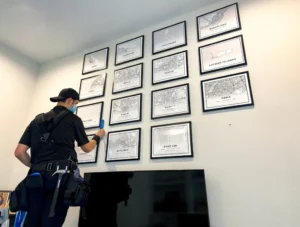
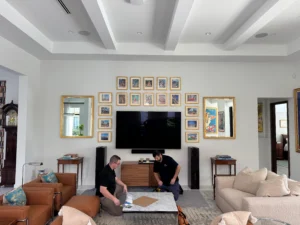
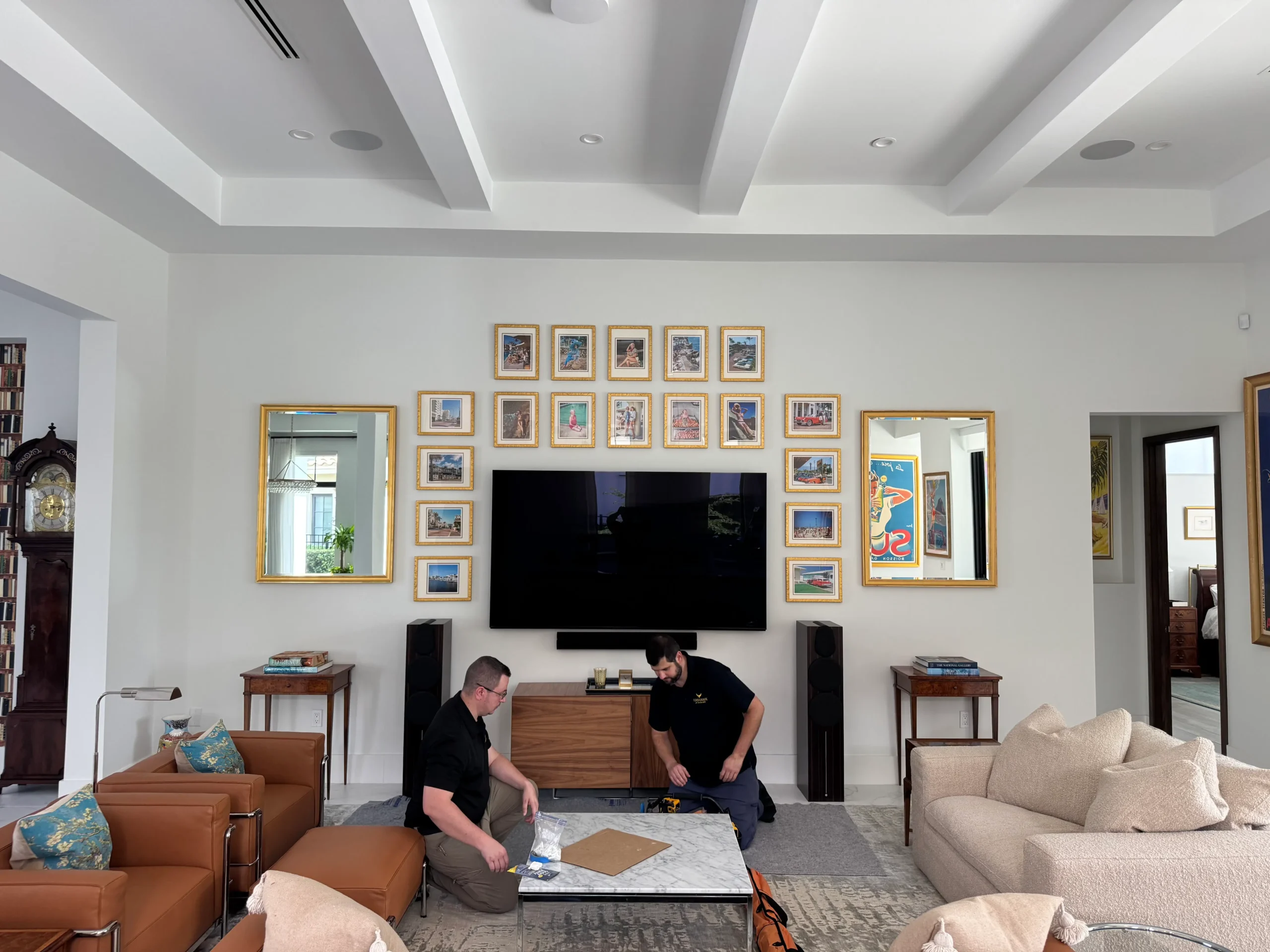
The tape check helps you catch a height that looks fine standing up but feels uncomfortable from the sofa. For a deeper look at arranging the screen and surrounding art together, see How to Integrate Your TV Into a Gallery Wall Without It Looking Like an Afterthought.

Adjust for the room and how you watch
Above a console
A console can anchor the screen, but the available space shouldn’t force the TV so high that it’s uncomfortable to watch. A gap of roughly 6–10 inches between the console and the bottom of the TV can be a useful design starting point, not a required measurement. Account for a soundbar, décor, equipment, and the overall scale of the wall.
If the console pushes the screen above your seated eye line, reconsider the furniture layout or use a suitable tilting mount. When the TV and artwork share a wall, plan the whole arrangement together. Firehawk’s gallery wall design guide offers layout ideas.
Above a fireplace
A TV above a fireplace often ends up higher than the comfortable sofa-viewing range. That’s one of the most common compromises in a living room. Before deciding, consider how long you’ll watch from the main seat, whether the mantel can accommodate a lower placement, and whether a tilt-down or pull-down mount would improve the viewing angle.
Heat and clearances matter, too. Check the fireplace and TV manufacturers’ instructions for requirements specific to your equipment. A mount can change the viewing angle, but it cannot resolve a heat or clearance issue.
In a bedroom
In a bedroom, you may watch while reclined rather than sitting upright. Test the screen position from your usual pillow or headboard position, and account for the angle of your sightline. A tilt or full-motion mount can help if the screen needs to sit higher or off to one side, but check that the mount is suitable for the TV and wall.
In commercial spaces
In a lobby, waiting room, gym, or bar, the “right” height depends on how visitors use the space. Are they seated, standing, walking past, or using equipment? For longer viewing, plan around the typical seated eye level. For quick-glance information in a circulation area, a higher position may make sense. In either case, consider the primary audience, viewing distance, sightlines, and the screen’s intended use rather than copying a residential measurement.
Choose a mount that suits the placement
- Fixed mount: Keeps the TV close to the wall and works well when the viewing position and height are already right.
- Tilting mount: Lets you angle the screen downward, which can help when placement is higher than ideal. It reduces the angle; it doesn’t make every high position comfortable.
- Full-motion mount: Allows the screen to extend, swivel, or tilt. It can help when seating is off-center or you need to adjust the view, but plan clearance for the TV’s full movement, especially if it sits beside artwork or cabinetry.
Check the mount’s compatibility and installation requirements against your TV’s specifications. If you’re working with a gallery wall, consider how the screen will move before finalizing the spacing around it.
Don’t overlook the wall and the setup
A comfortable height is only one part of a good installation. Before mounting, check for glare from windows and lights, keep the TV’s ventilation openings clear, and plan power and cable routes so connections remain accessible. Follow the TV and mount manuals, and use an appropriate, listed in-wall solution if power needs to run inside the wall; consult a qualified electrician where needed.
Identify the wall construction and the mount’s required structural support before drilling. Locate studs or other suitable support, check for wiring and plumbing, and use the hardware specified for the particular wall and mount. The right approach can differ for wood framing, masonry, or other surfaces.
A quick checklist before drilling
- Confirm your main viewing seat and measure your seated eye height.
- Check the viewing distance and TV manufacturer recommendations.
- Mark the screen center and edges; review the position from your seat.
- Account for the console, soundbar, fireplace clearances, or surrounding artwork.
- Choose fixed, tilting, or full-motion hardware to suit the viewing position.
- Plan for glare, ventilation, power, and cable access.
- Confirm the wall type and required structural support, then follow the mount instructions.
If you’re planning a home installation, explore Firehawk’s residential art, mirror, and TV installation services.
One crew for the TV and the wall around it
Firehawk has completed 2,700+ installations over 10+ years and holds a 5.0-star rating across 100+ Google reviews. We use museum-grade hardware and are fully insured, with certificates of insurance available on request. To talk through your TV or wall project, call (407) 573-7775 or contact Firehawk.